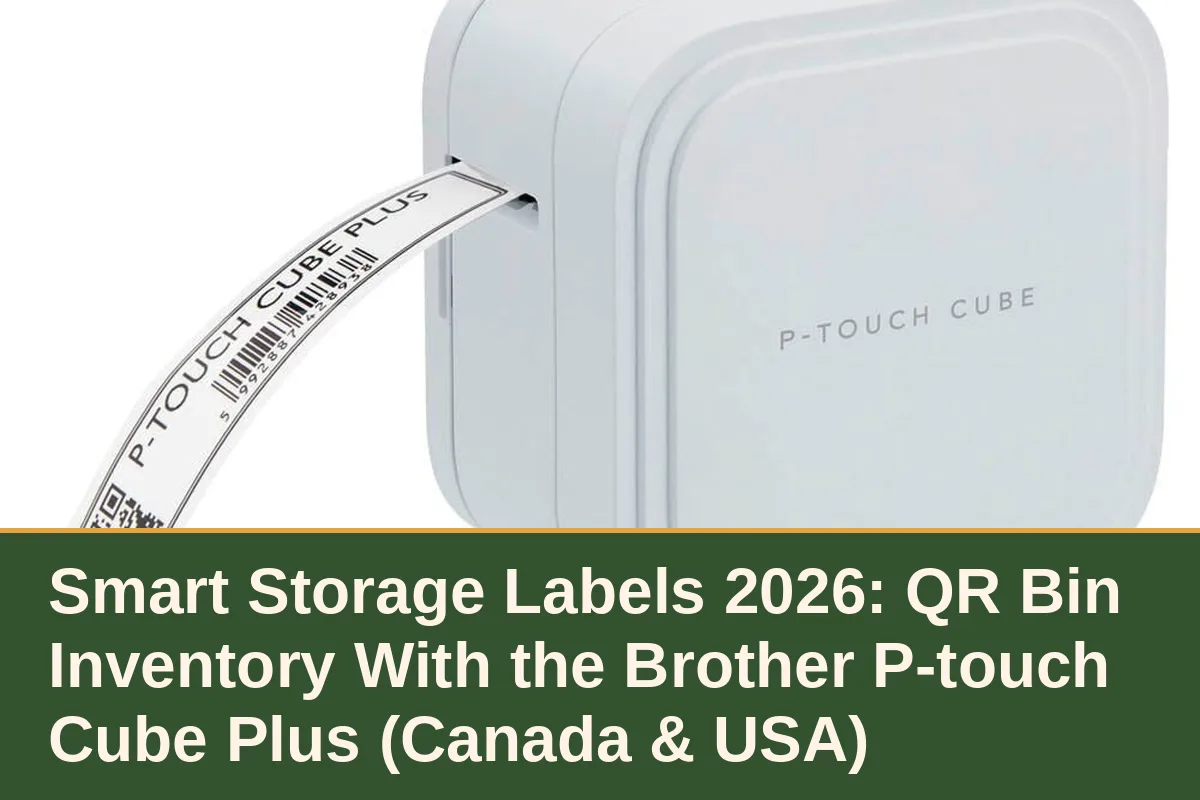
A smart storage label system pairs a Bluetooth label printer — the Brother P-touch Cube Plus is the one most organisers reach for — with QR-coded bin labels and an inventory app such as ToteScan, so scanning any storage box shows a searchable, photo-backed list of everything inside it. It solves the oldest storage problem there is: the sealed, unlabelled bin you have to open three times a year. If your closets, garage or basement hold more than about ten bins, this is the organisation upgrade that pays for itself in time.
Key takeaways: the printer is the easy part; the system is printer plus QR labels plus one app you actually keep updated. Apartment Therapy's Organization Awards keep a dedicated label-maker category for a reason — labelling is the step that makes every other organiser in this guide keep working after the first month.
What a smart label system actually is
Three pieces work together. The printer (the P-touch Cube Plus prints laminated tape labels from your phone over Bluetooth) makes durable labels that survive garage cold and attic heat better than marker on masking tape. The QR labels — ToteScan sells pre-printed QR stickers, and the Cube can print QR codes too — give every bin a scannable identity. The app holds the inventory: contents, a photo of the open bin, and its location. A quotable way to put it: a handwritten label tells you what a bin was called; a QR inventory tells you what is actually in it, today.
Home-inventory writers describe the same workflow under names like the “digital twin” method: you search your phone instead of searching your basement. The habit that makes it work is scanning at the moment you pack, not later — the same discipline our closet organiser guide and under-bed storage guide assume when they talk about seasonal rotation.
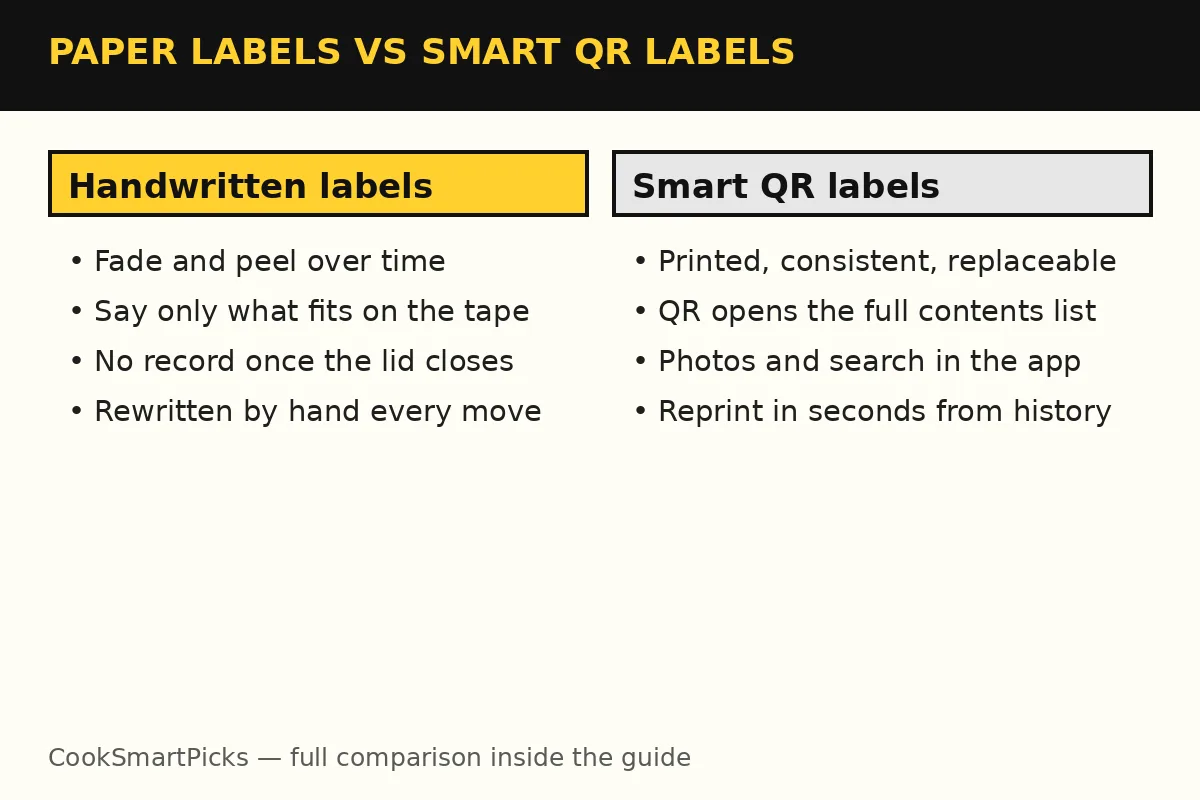
Handwritten labels vs smart QR labels, side by side
| Question | Handwritten / tape labels | Smart QR label system |
|---|---|---|
| Finding one item | Open bins until you find it | Search the app; it names the bin |
| Contents detail | Whatever fits on the tape | Full list plus a photo of the open bin |
| Durability | Marker fades; tape peels in cold garages | Laminated printed tape; QR reprints in seconds |
| Sharing | Only the person who packed it knows | Anyone with the app can find things |
| Ongoing effort | Rewrite labels by hand | Scan and tap at packing time |
The honest limit: the app is only as true as your last scan. Every inventory system, from a notebook to ToteScan, fails the same way — someone packs a bin and skips the update. Build the scan into the packing motion (label on, photo taken, lid closed) and the record stays honest.
Setting it up without turning it into a project
Start with one zone — holiday decorations are the classic first win — rather than the whole house. Print a QR label per bin, photograph each bin open, and store the location as room plus shelf. Pair the system with the physical organisers it describes: labelled bins belong on the shelves in our home organisation deals guide, small items belong in the drawers from our drawer organiser guide, and pantry jars get the same treatment with the layouts in our pantry organiser guide.
Pros and cons
Smart QR label system · Pros
- Find any stored item from your phone in seconds
- Photos end arguments about what a bin holds
- Laminated printed labels outlast marker and tape
- Works for moves, seasonal rotation and shared households
Smart QR label system · Cons
- Only as accurate as your last scan — packing discipline required
- Printer plus labels plus app is a real setup cost in time
- Overkill for homes with only a few bins
Best for: households with a garage, basement or storage locker full of bins, and anyone mid-move. Skip if: you store so little that a glance does the job — spend on the organisers themselves first.
The simpler alternative: printer alone, no QR
If QR inventory sounds like a system you would abandon by February, buy the printer and stop there: neat, durable printed labels on every bin and shelf edge still beat handwriting, and you can add QR codes later bin by bin. The P-touch Cube Plus is the same hardware either way — the app layer is the optional part.
FAQs
What is a smart storage label system?
A Bluetooth label printer plus QR-coded labels plus an inventory app. The label on each bin carries a QR code; scanning it shows a searchable list and photo of the bin's contents, so you find stored items from your phone instead of opening boxes.
Which label printer do most organisers use for QR labels?
The Brother P-touch Cube Plus is the common pick: it prints laminated tape labels from a phone app over Bluetooth and can print QR codes, and pre-printed QR stickers from services such as ToteScan cover the app side.
Do QR bin labels work in a cold garage or storage locker?
Laminated printed tape handles cold and heat far better than marker on masking tape, and the inventory lives in the app, so the label only needs to stay scannable. Keep one spare label inside the lid as a backup.
Is a QR inventory worth it for a small apartment?
Usually not on its own. With only a few bins, printed labels alone give most of the benefit. QR inventory earns its setup time once you have ten or more bins, a locker, or a move to organise.
Sources
Specs in this guide are the manufacturers' published figures as reported by the sources below; where testers disagree with a maker's claim, the guide says so. We do not print prices — use the buttons above for the live price in your marketplace.
- Apartment Therapy — Organization Awards — Annual awards with dedicated label-maker, storage-container and storage-system categories used as category context.
- Orenji Home — Smart Home Inventory System 2026 — The digital-twin method, QR bin tracking with ToteScan and Sortly, and how the workflow is maintained.
- Domino — The Best New Organizing Solutions of 2026 — Good Design Awards organisation picks used for current product context.
Last updated: November 20, 2026. We refresh this guide whenever the makers revise these products.